Take a photo
Take or upload a clear, front-facing portrait in good light. Our photo checks help you get ready.

A new style. A familiar face.
AI Virtual try-ons. Capture leads. Drive sales.
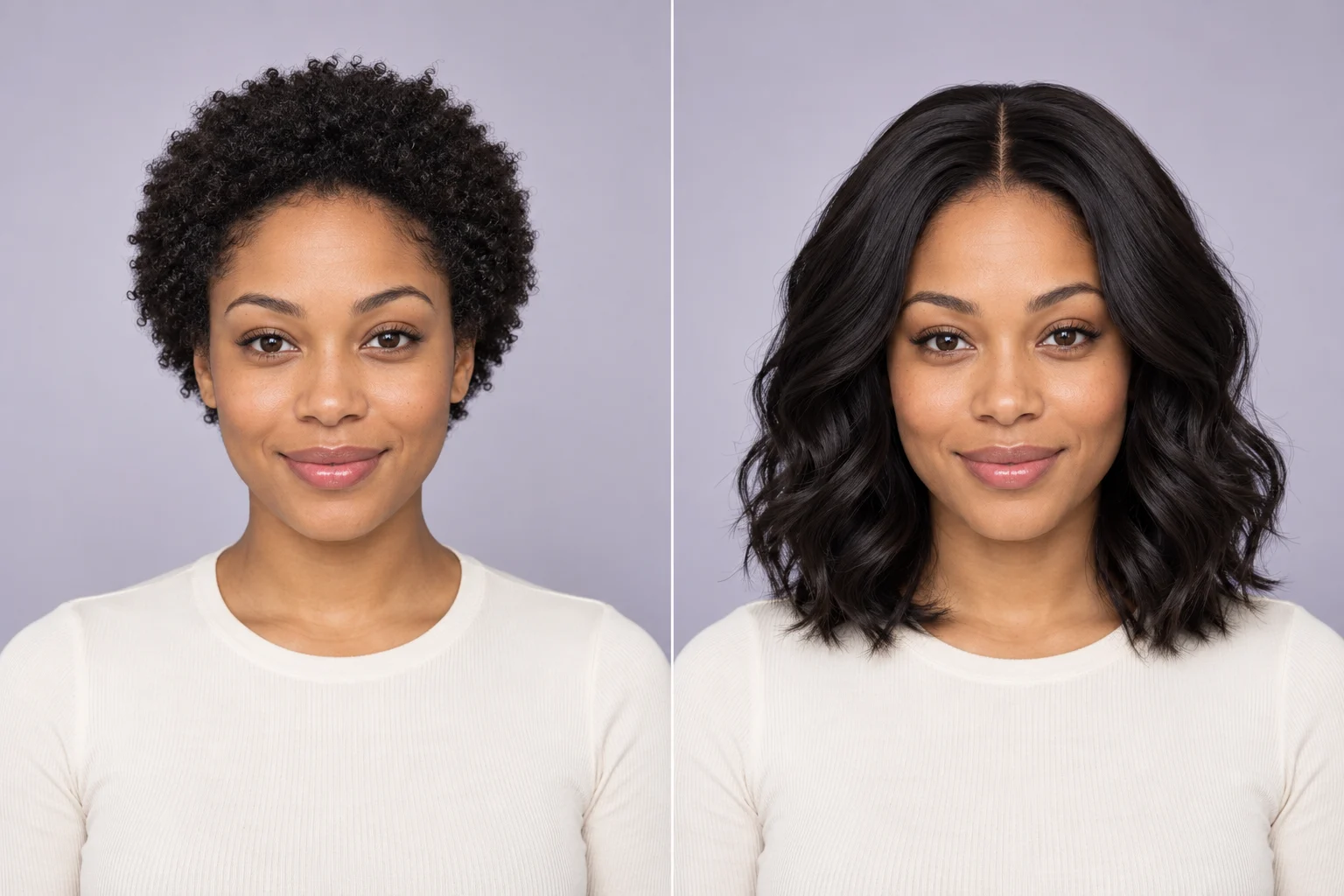
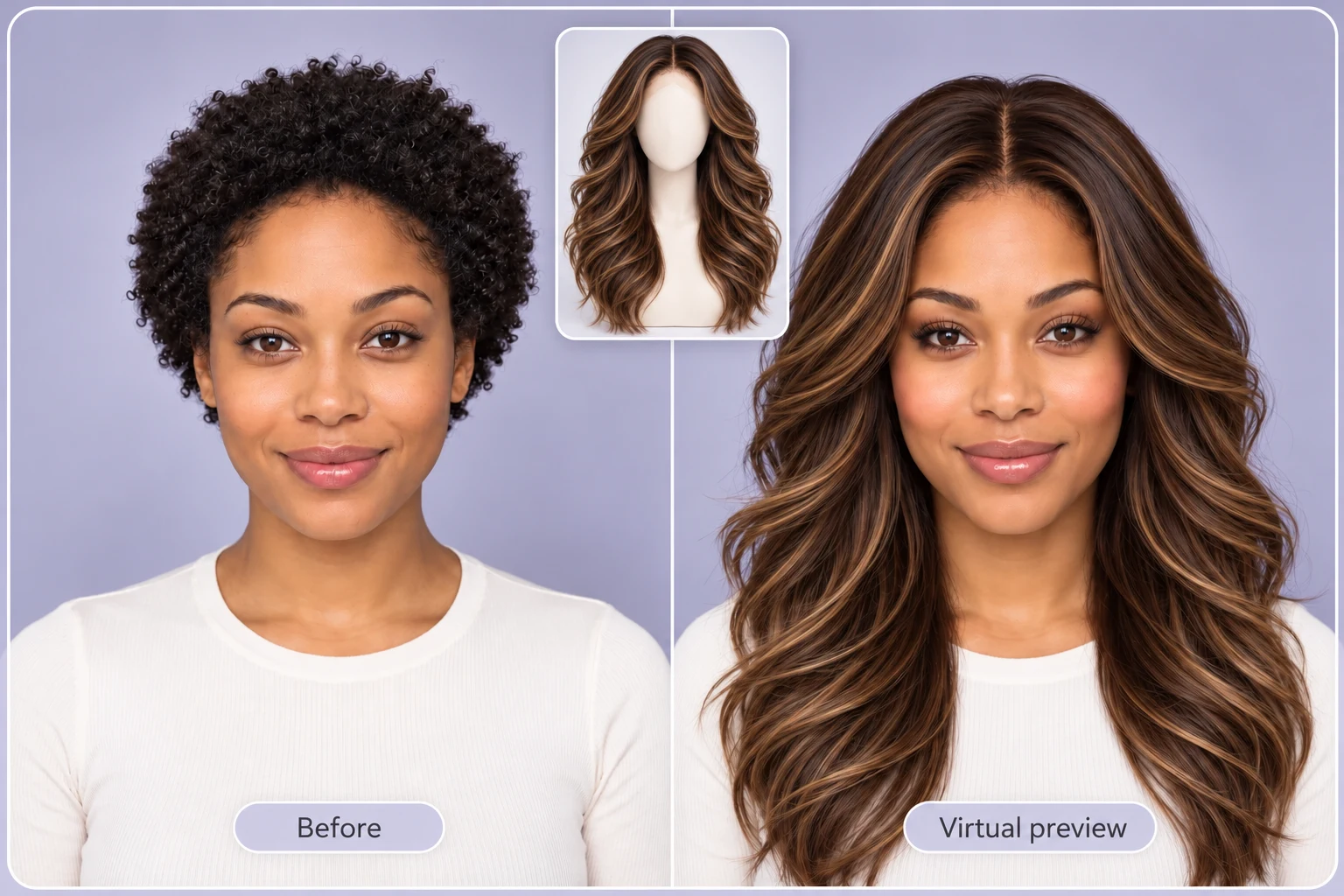
A little inspiration, without leaving your phone.
Take or upload a clear, front-facing portrait in good light. Our photo checks help you get ready.
Browse styles, explore image angles and filter by color, texture, length or material.
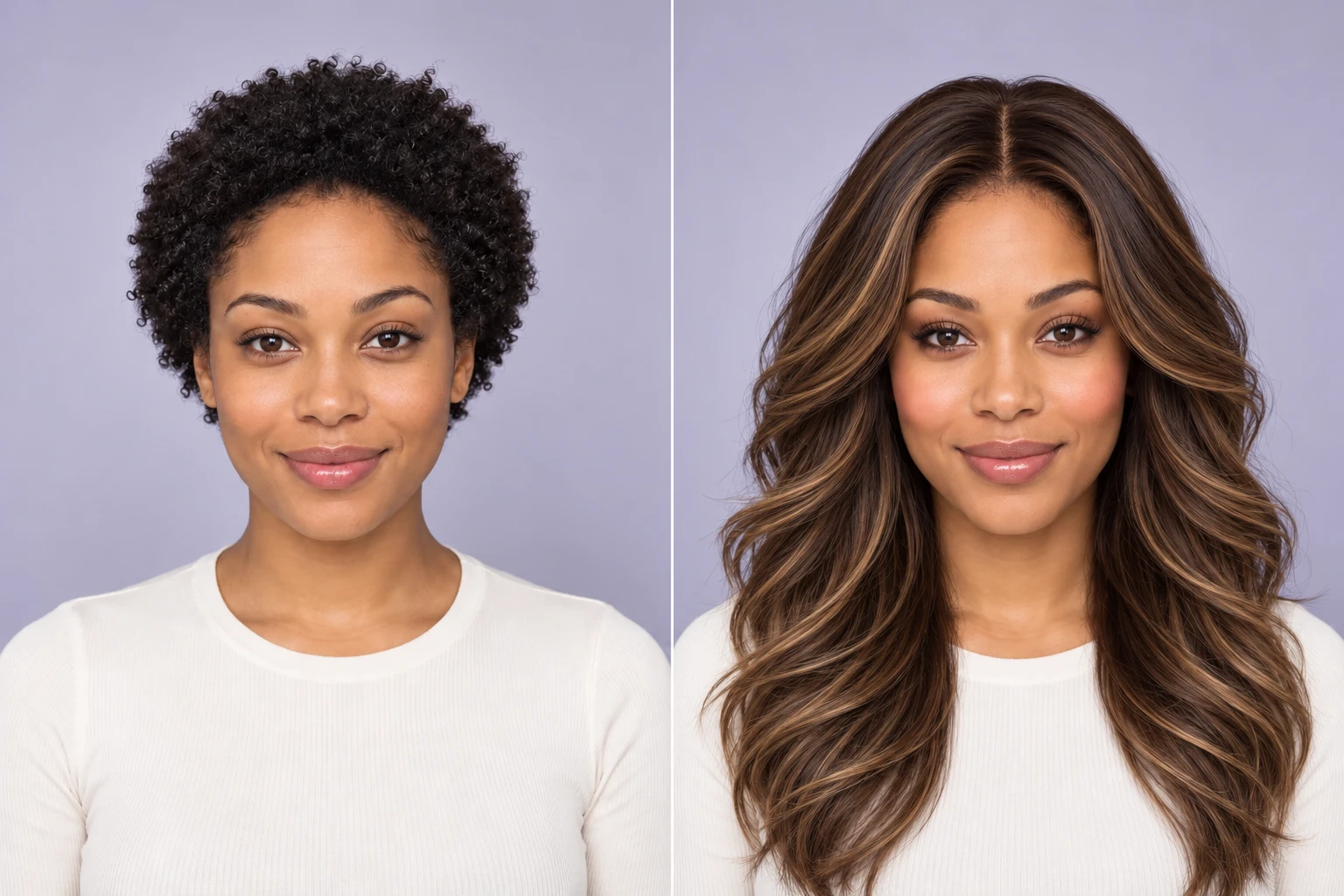
See an AI-generated look using your photo. Save your current preview while you choose another style.
Help shoppers picture your products on themselves—and take the next step toward buying.
Explore the Try-On StudioGive shoppers a personal preview of your wigs to support more informed buying decisions.
Share individual product links across your website, social media and messages to bring customers into your branded studio.
Manage product details, images and publication from your dashboard, with try-on credit allowances that help you control usage.
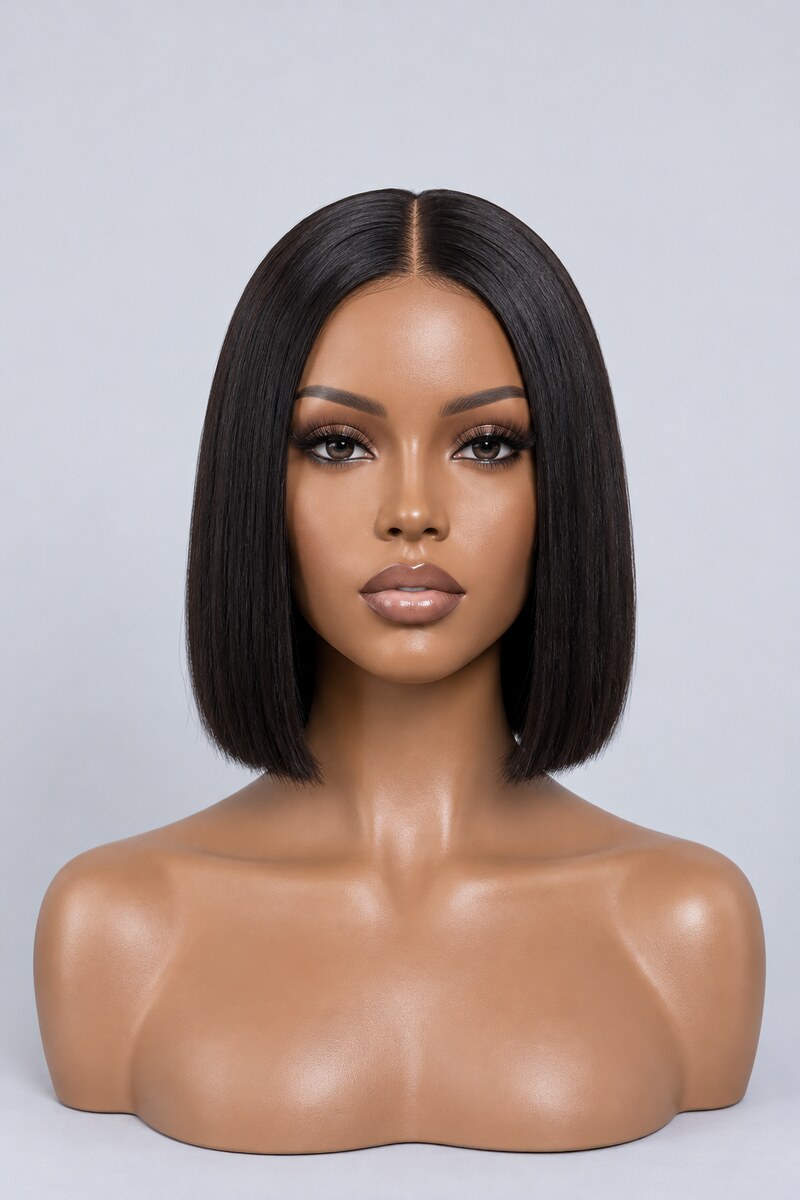
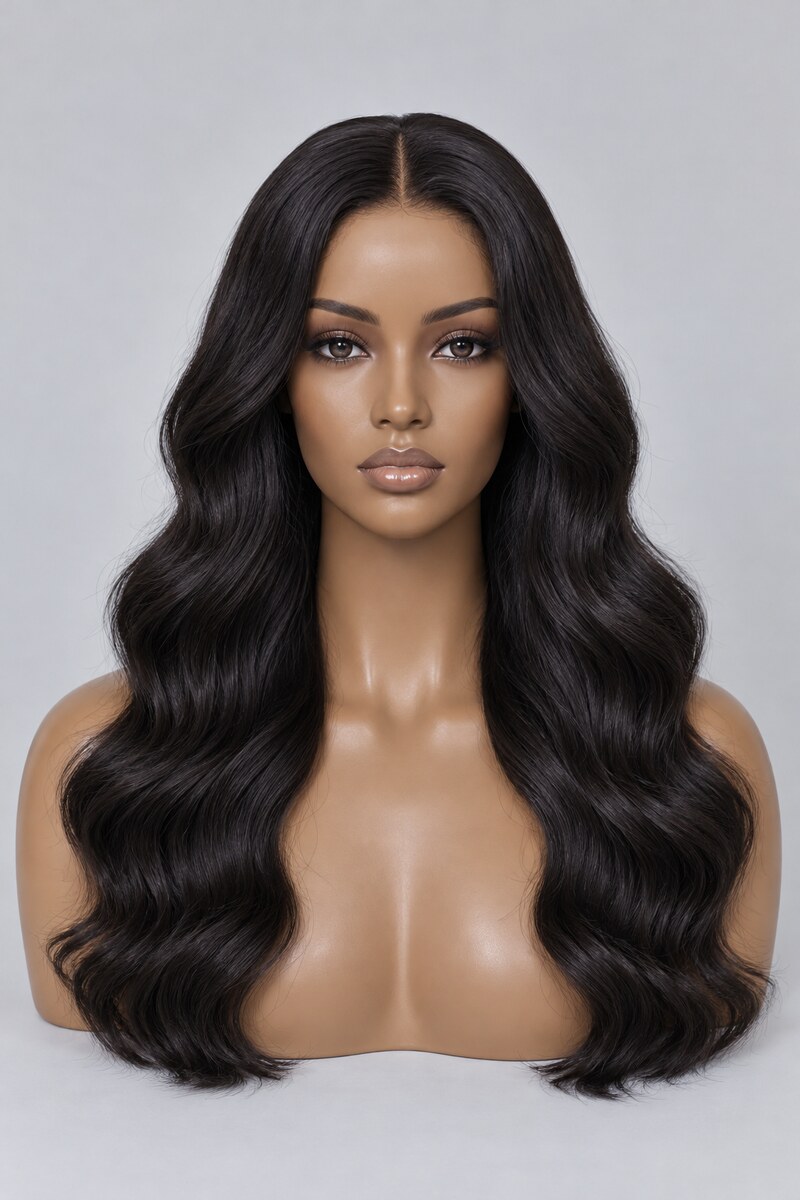
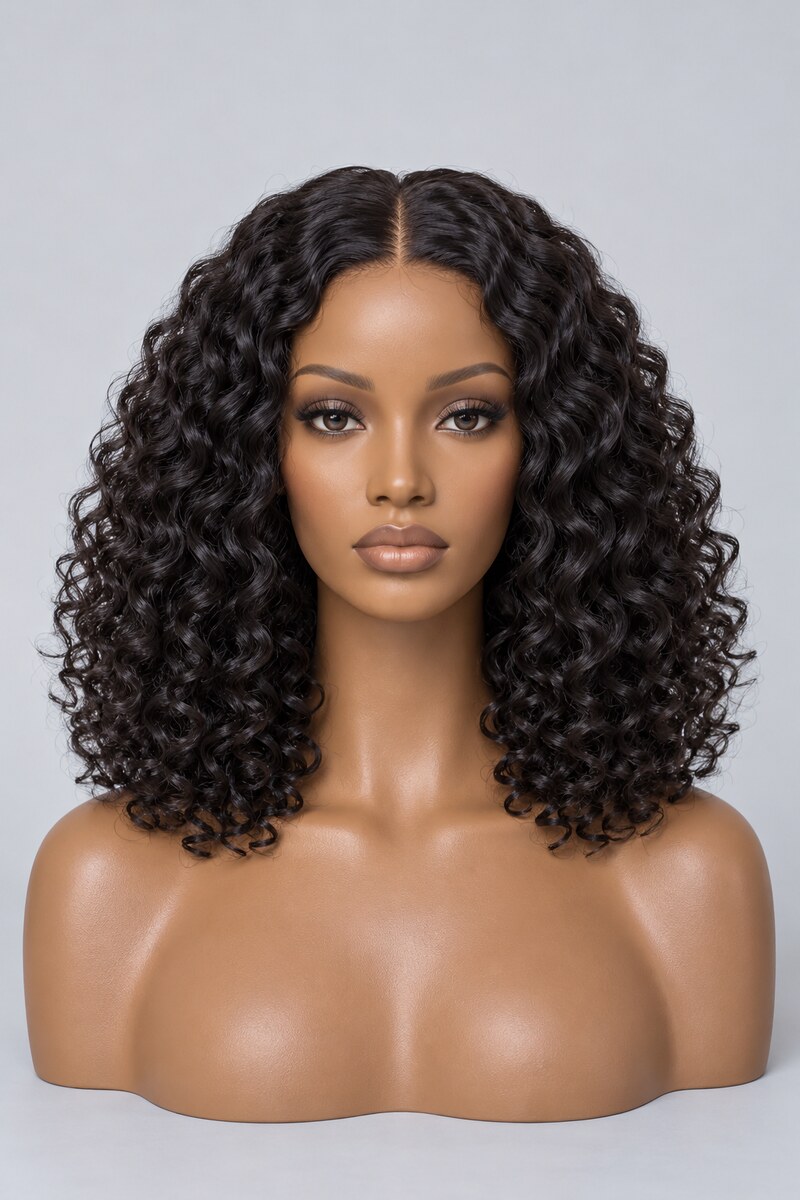
A few styles from our sample collection.
Give customers a place to explore your wigs using their own photo.
Your logo, contact information and published collection in one customer experience.
Send customers straight to a specific wig from your website, social posts or messages.
Manage descriptions and image angles, choose the primary image and control publication.
Explore wig styles on your own photo. Compare colors, lengths and textures to discover the look you love.
Try a style. Compare your favorites. Find your look.Yes. Allow camera access when prompted, or use Upload Photo. Face the camera in good light and keep your full face visible.
Yes. Upload a JPG, PNG or WebP portrait up to 10 MB. The same lighting and portrait checks apply.
Browse the catalog, use the filters and open Details to explore the available angles. Once your photo is ready, click Try on to confirm your choice.
Processing time varies. The preview card shows your portrait and progress messages while you wait. Keep the page open until your preview arrives.
The preview is AI-generated and illustrative. Color, texture, hairline, fit and appearance can vary. Review the product details and consult the seller before buying.
Start with a photo. See where a new style takes you.
Try Your New Look